
 ReactNative
 NestJS
 Azure
Azure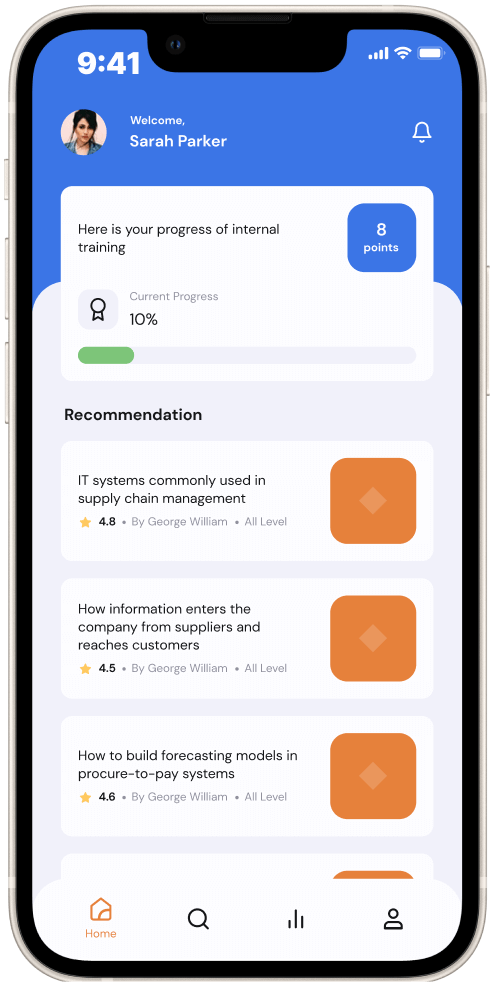
Customer Overview
Based in the EU, the company is one of the major players that dominate the nutrition market.
Business goal
- Create a tool for employee development and internal training.
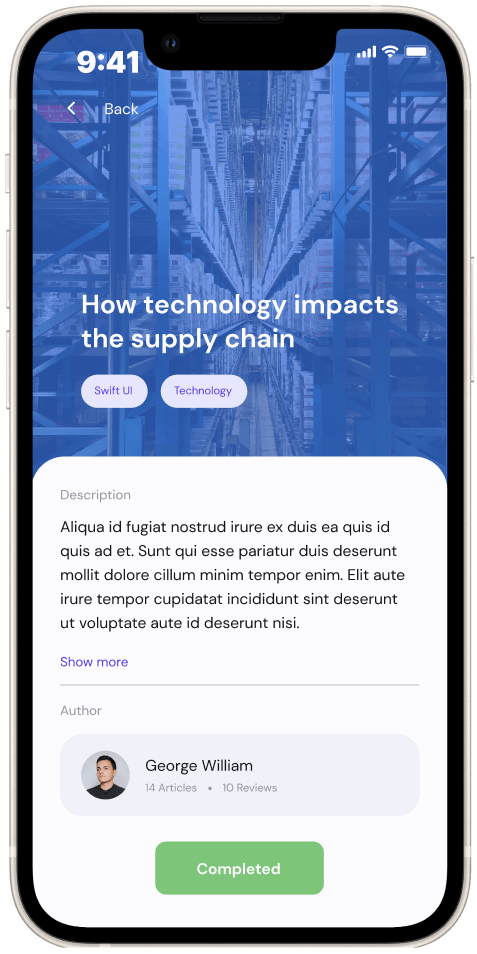
- Allow non-tech-savvy users to publish and edit content in the app.
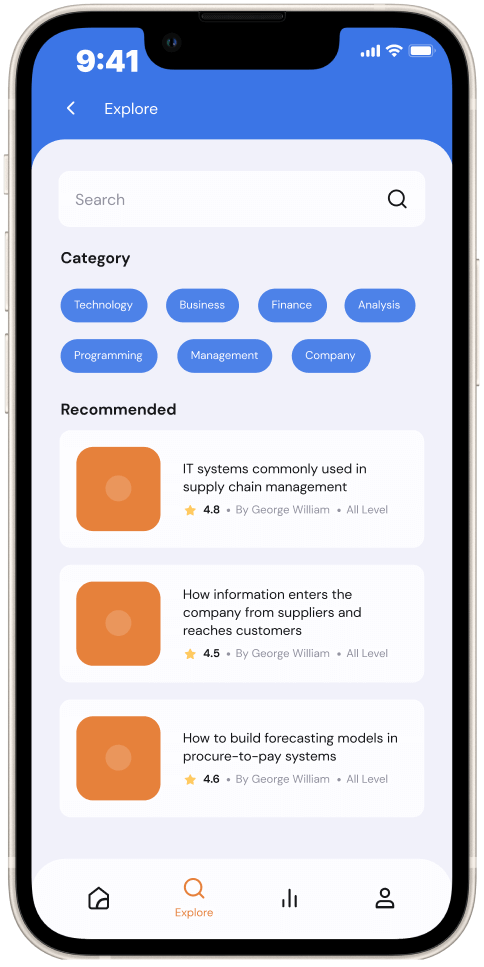
- Engage non-tech employees into using the app, additionally keeping them posted on the news of the company via the app.
Technology challenges
- Develop and release the app on iOS & Android platforms simultaneously.
- Without developing a CMS, add the functionality that allows for an easier way to manage content, especially for non-technical users.
- Provide the ability to manage email groups and roles.
- Gamify the app and make interacting with it engaging so that employees could learn in a game format. The app should encourage active learning and staying abreast of the company’s news.
Solutions
- To build a mobile app that works on both iOS & Android, we chose React Native – one of the most popular frontend frameworks. The use of React Native as one codebase for two mobile platforms saves time and usually reduces development costs by about 50%.
- To deliver the app that actually was an MVP expected to be scaled later, we used NestJS, a Node.js framework for building reliable and scalable applications.
- Using Azure DevOps, we automated the CI/CD process to deliver changes better and faster.
- To meet one of the essential requirements from the client – allow users to manage content via blog without developing a CMS – we used Azure as a cloud for storing the app's data and content.
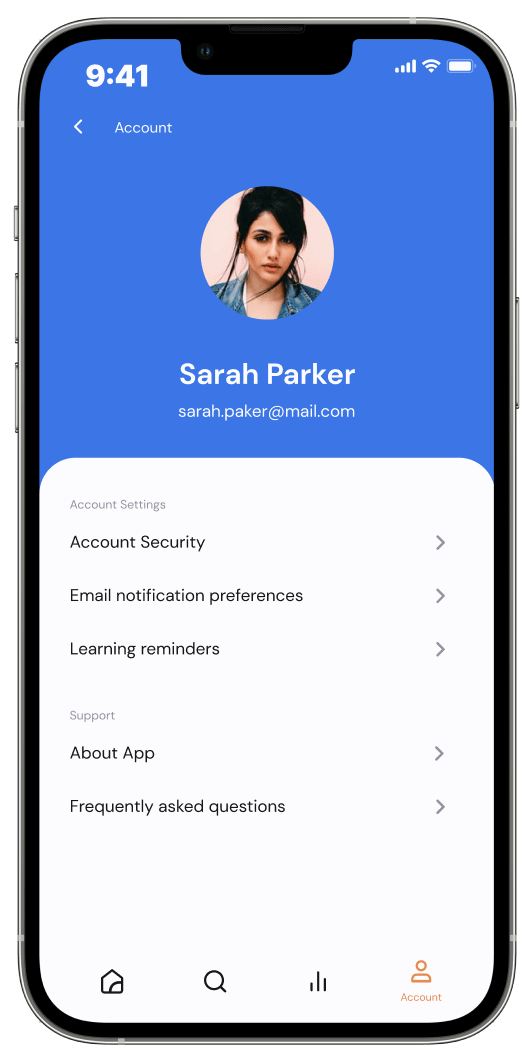
After spending a little time learning to work with Azure, non-technical users could easily update content. - To provide secure access to the app, the Azure Active Directory was used for authorization development.
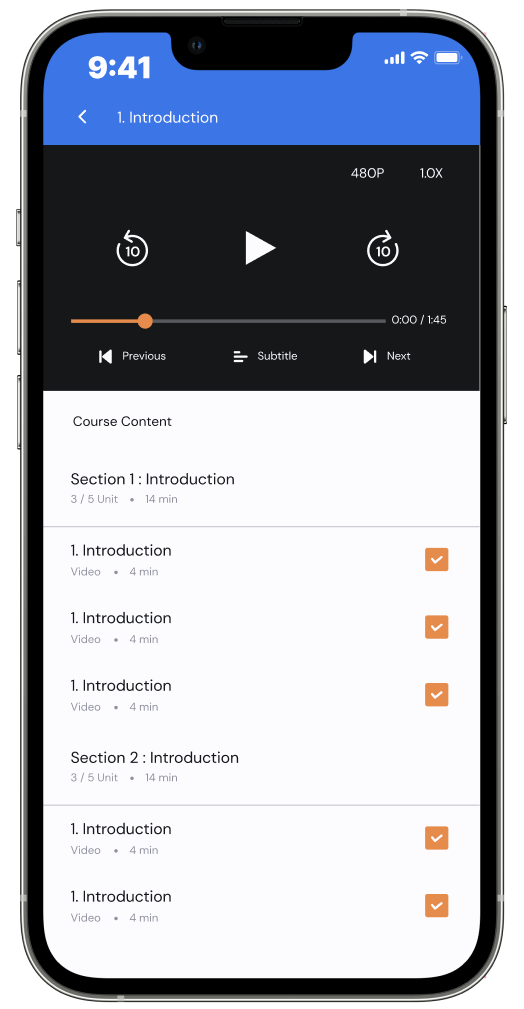
Results successfully delivered
- The intuitive app for effective employee development that works on iOS and Android platforms.
- In-app content creation became available to users without CMS implementation, resulting in reduced development costs for the client.
- Increased employee loyalty and performance due to easy training ensured by the app.